
 INRhttps://www.lgbestshops.in/locations/mumbai/chembur/lg-best-shop-sumaria-appliances-in-chembur-mumbai--5cpC6f/home
LG Best Shop - Sumaria Appliances, Chembur, mumbai
Appliance Store in Chembur, Mumbai, Maharashtra
Shop No 25, Bezzola Complex, Nearby Softic Park, Chembur, mumbai, maharashtra - 400071
Contact Us
Products
View all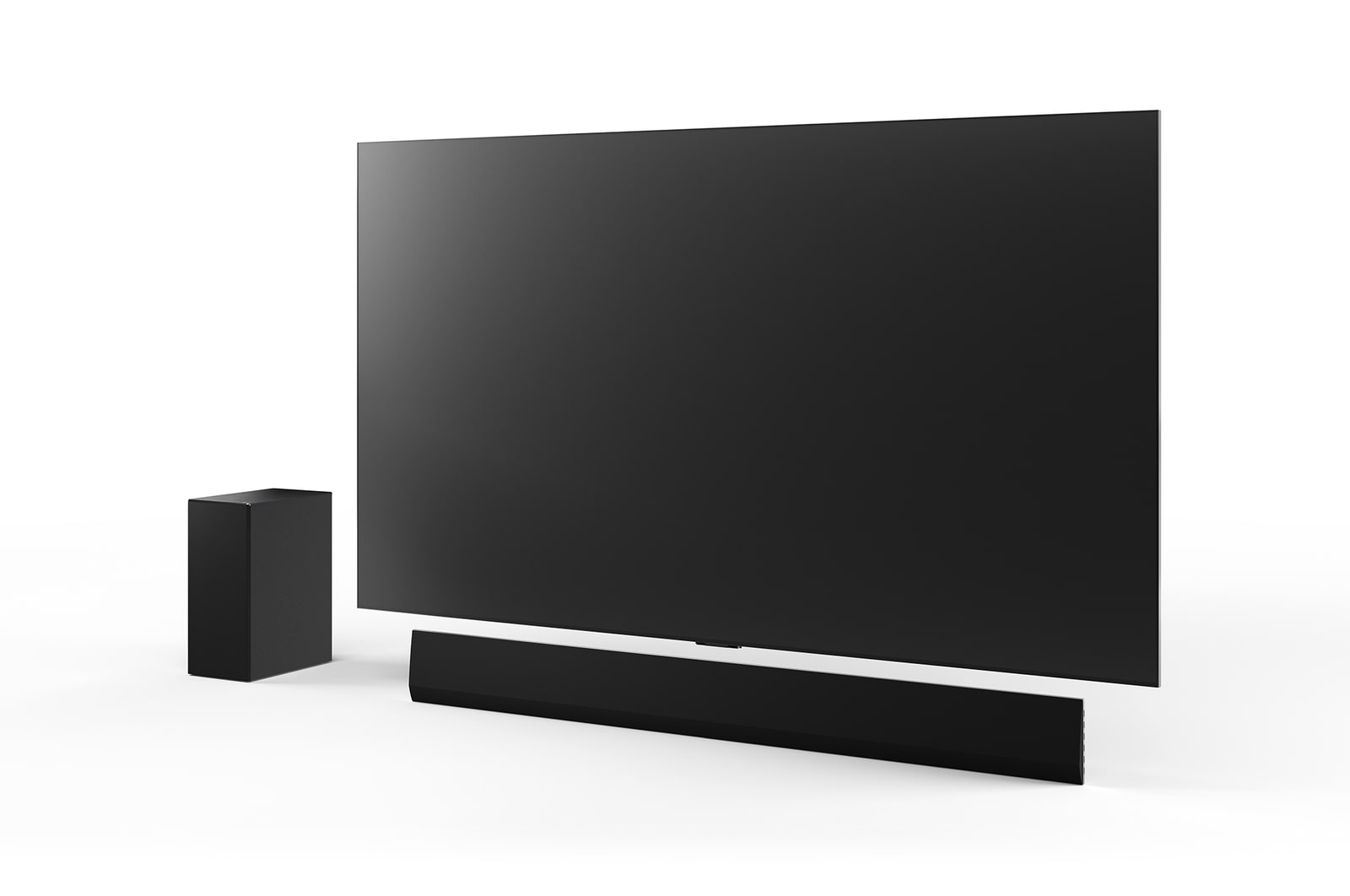
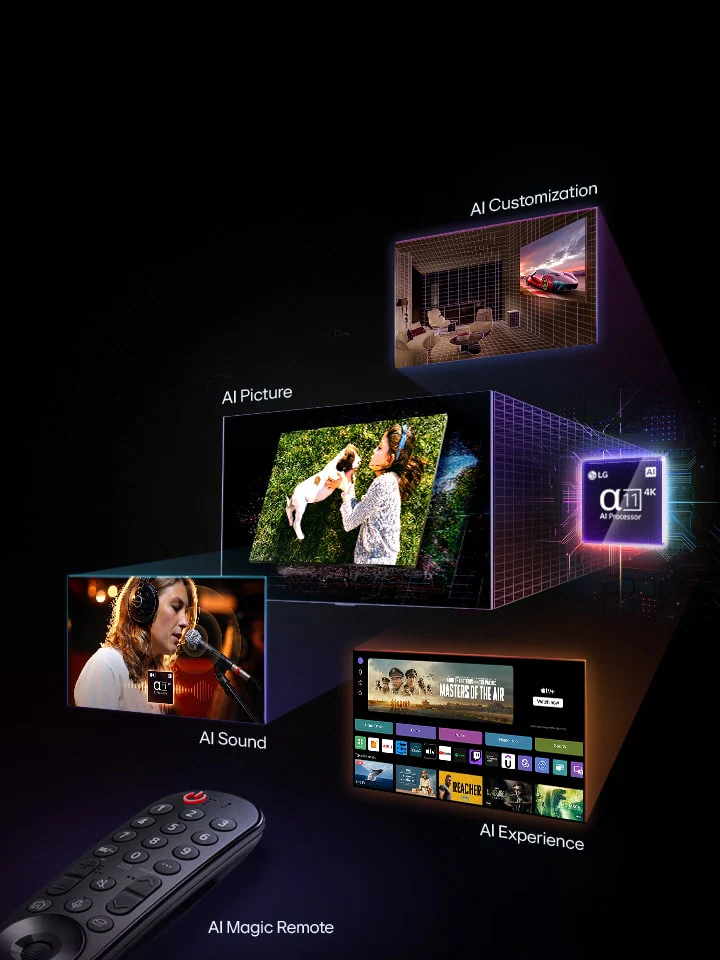
TV & Soundbars
cf24782d-60c7-470a-90dc-b442f89fe5a7TV & Soundbars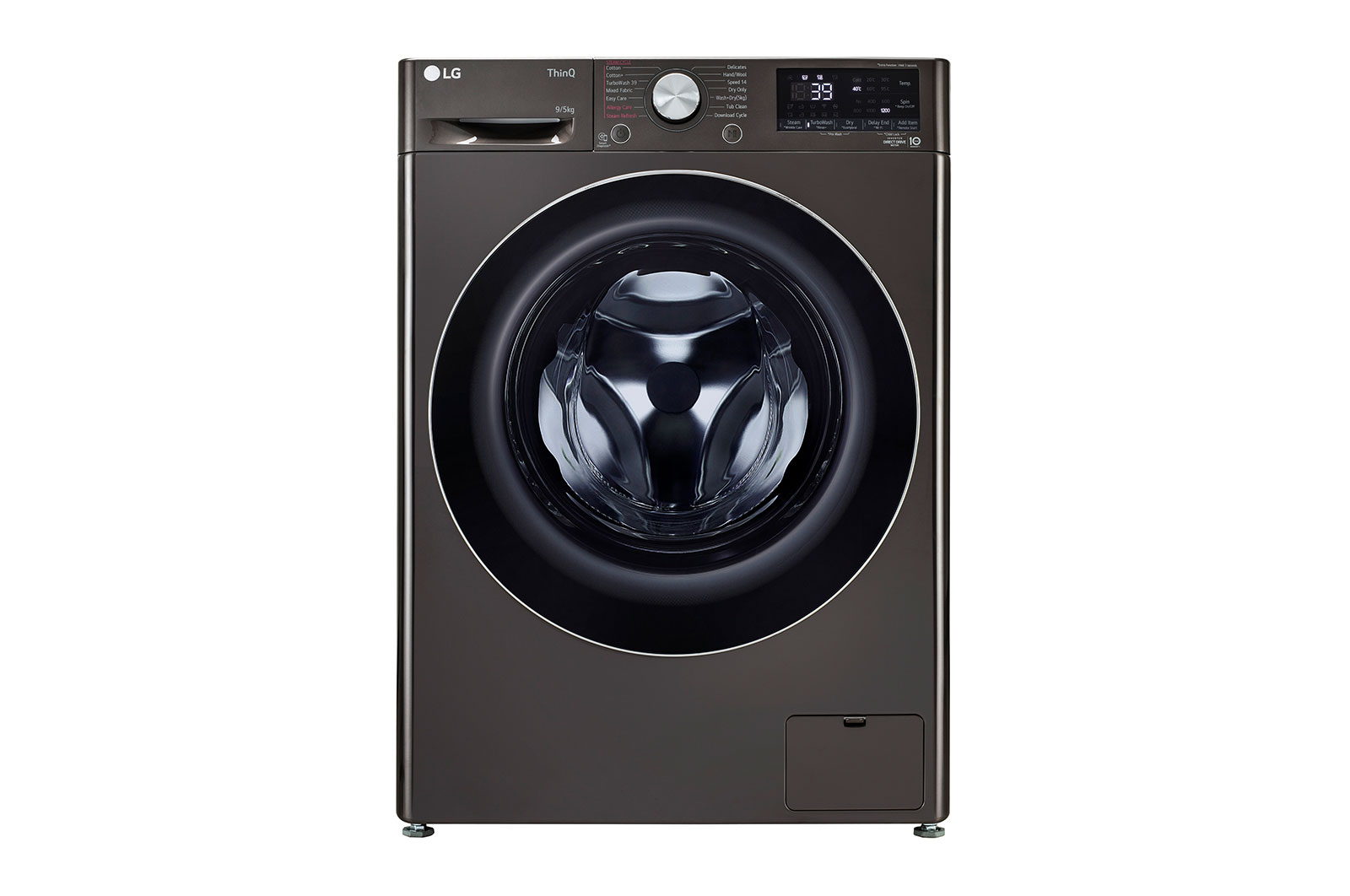
Laundry
52c27c4d-c9ed-43fc-ab3f-81747e70174cLaundry
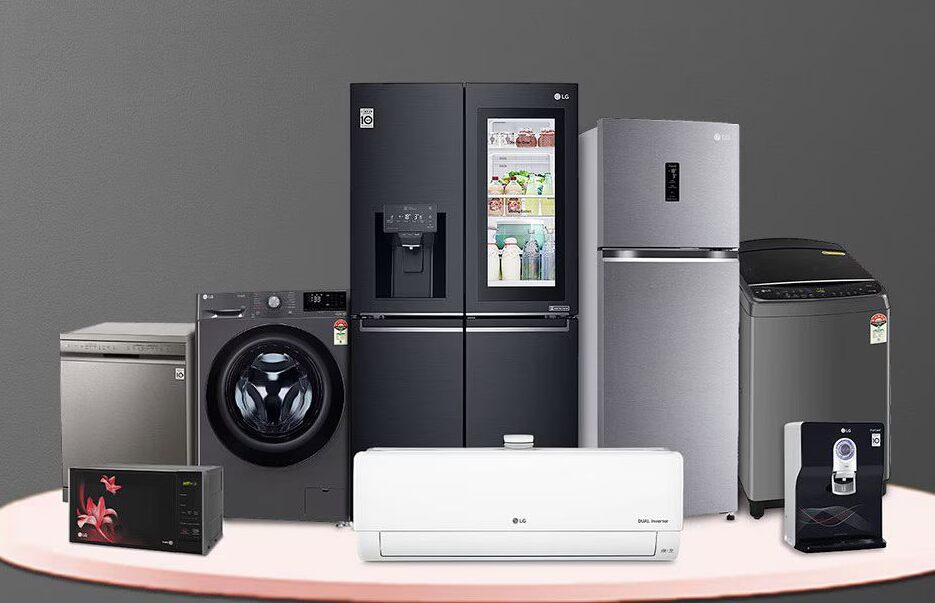
Refrigerators
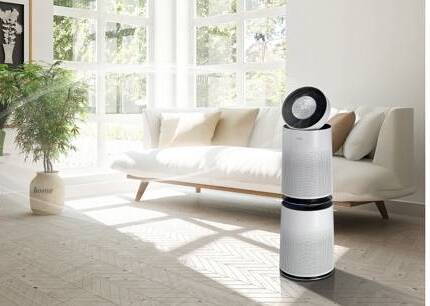
fcd54135-776e-46d9-9655-adc4a1345a12RefrigeratorsAir Care
6489e0b5-3667-4f29-a1e8-7ab504043fa9Air Care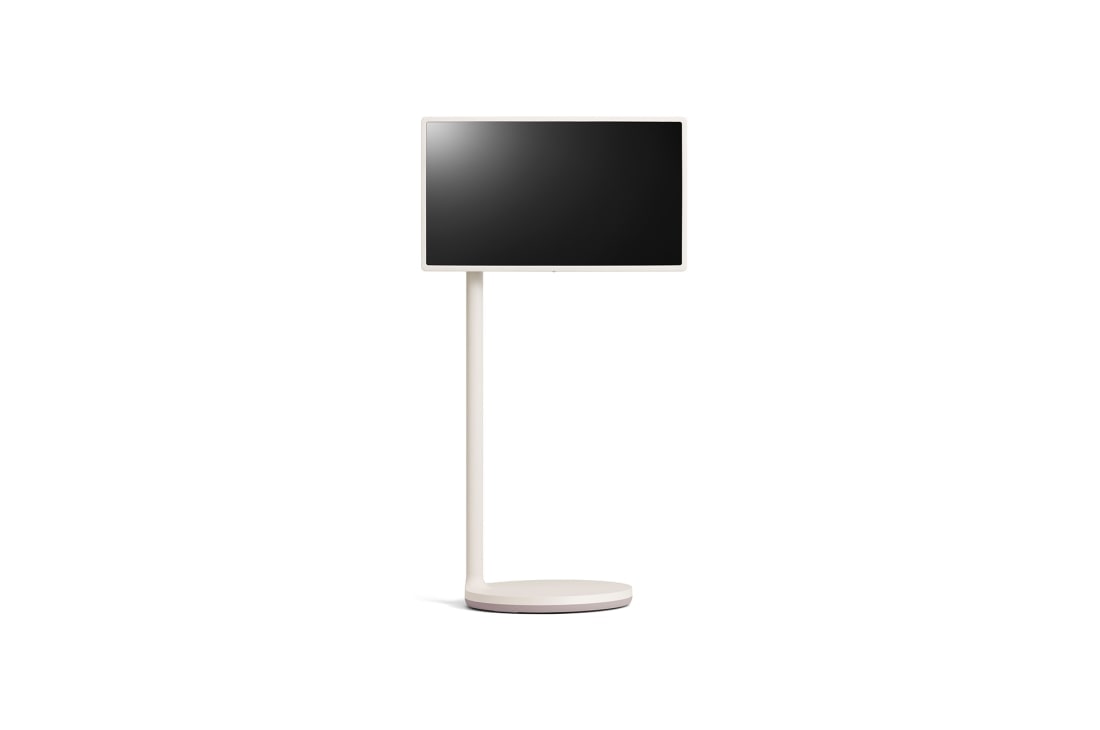
Lifestyle Screens
496ba1d0-ff56-4ff9-8cd8-34bc5835bbe4Lifestyle ScreensVideos
View all



Gallery
View all
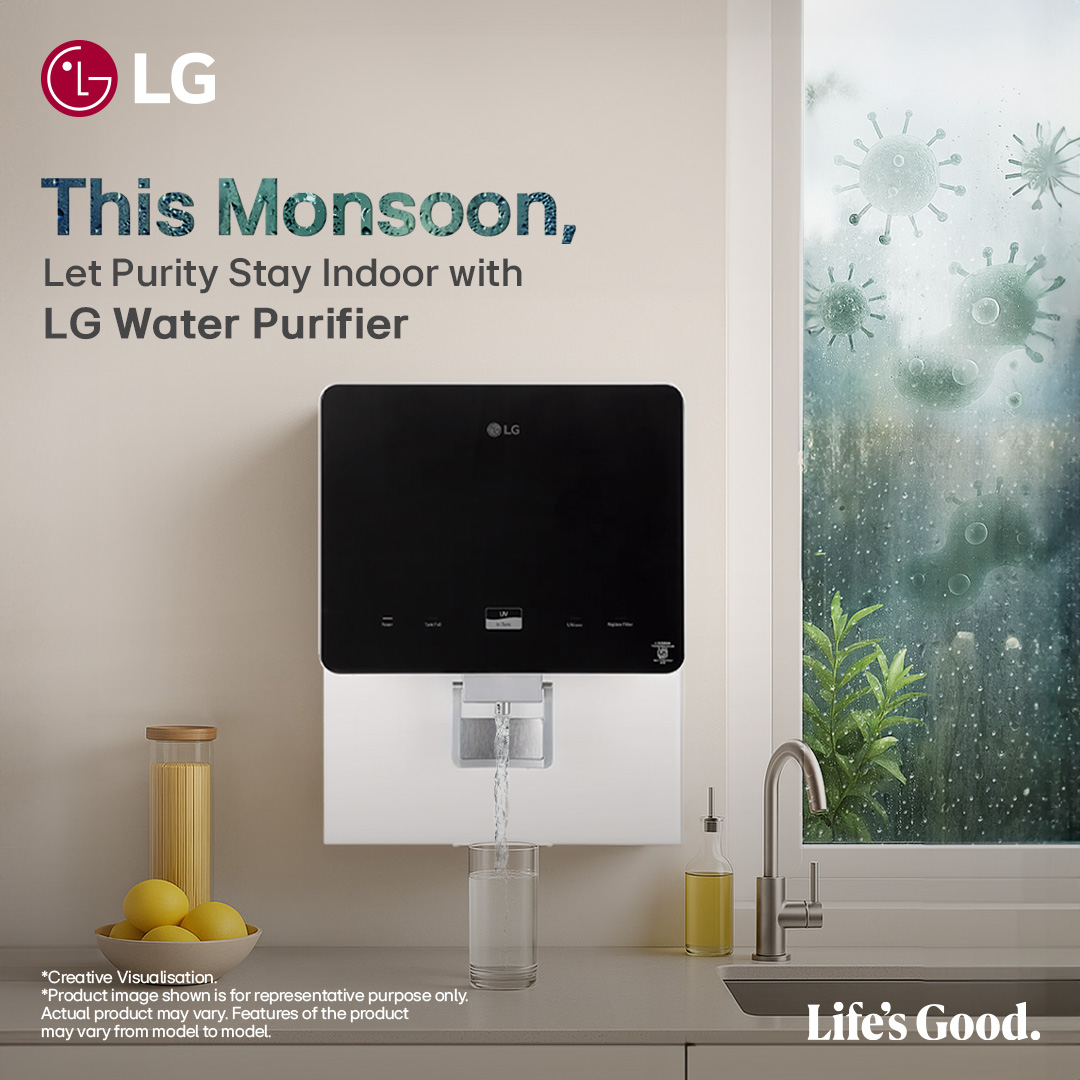
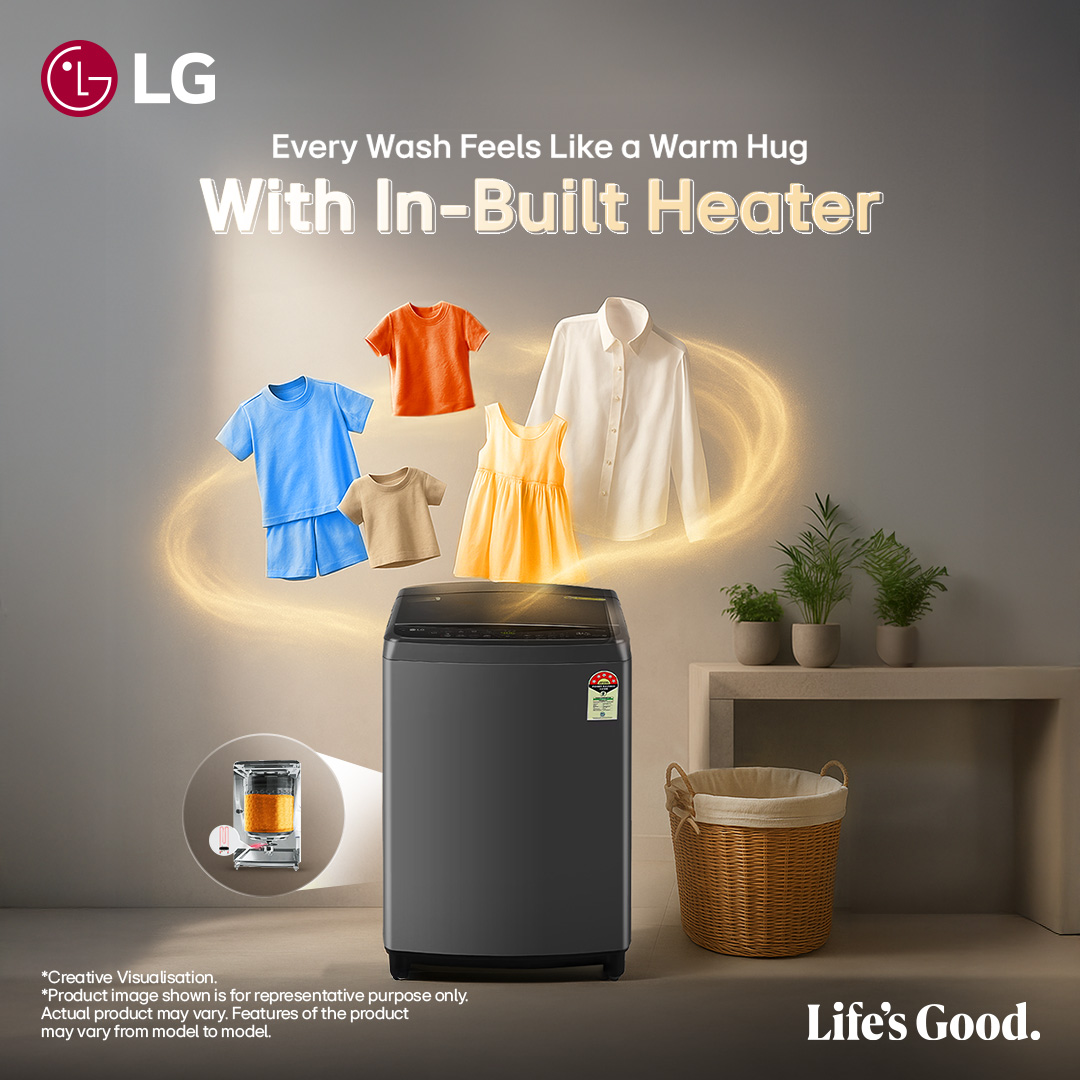
About LG Best Shop
Available Payment Options
Services
Tags
Frequently Asked Questions
Check these options at first
a. Select correct input mode by using input button on your remote (HDMI/USB/AV)
b. Ensure the input device is switched on
c. Check any loose connection or input cable connection to TV
d. Follow the detailed self repair guide given through this link -- Click here
If you still face the problem, please contact LG customer care for service support
Check these options at first :
a. Select correct input mode by using input button on your remote (HDMI/USB/AV)
b. Use the picture test mode given in the link to ensure TV is normally functioning --> Click here
c. Ensure the input device is switched on
d. Check any loose connection or input cable connection to TV
e. Seek support of your service provider (STB/Cable)
If you still face the problem, please contact LG customer care for service support :
a. Check power indicator on TV, this will be RED if power comes to the TV. Check power switch is ON
b. Check TV with other AC power outlet
c. Sometimes low voltage also cause no power on the TV
d. Check the remote power button functioning on to TV
e. Check the battery inside remote. Replace new battery if required
f. If you still face the problem, please contact LG customer care for service support
Low cooling issue comes in air conditioner mainly due to following reasons :
1. Unset cooling mode
2. Dirty and blocked filters
3. Low voltage as per requirement (200V-240V)
To resolve the no cooling issue, please follow the steps listed below :
Step 1: Check the mode setting and select the cooling mode.
Step 2: Select the temperature setting and set the temperature on 18°C
Step 3: Select the fan speed at ‘High’ mode.
Step 4: Clean the air filter if it is dusty.
Step 5: Check the voltage. It should be in between 200V-240V.
No power issue comes in air conditioner mainly due to following reasons :
1. AC is not powered on from remote
2. MCB board may be turned 'OFF'
To resolve the no power issue, please follow the steps listed below :
Step 1: Check the MCB condition, It must be 'ON'.
Step 2: Check voltage. It should be in between 200V-240V.
No cooling issue occurs in refrigerator mainly due to various reasons, below are some of them :
1. Defrost button is pressed
2. Refrigerator knob is set at 'OFF'
To resolve the cooling issue, please follow the steps listed below :
Step 1: Set the cooling temperature knob at High 7.
Step 2: Check the ‘Defrost’ button must not be inside. If it is pressed inside then wait until it comes out.
Step 3: If refrigerator bulb glows dim, please use a stabilizer of 500W that can give supply from 220V-240V
Power issue arises in washing machine mainly due to following reasons, below are some of them :
1. Loose plug of washing machine
2. Switch board button is at 'OFF' condition
3. No electricity supply in power board
To resolve the power issue, please follow the steps listed below :
Step 1: Confirm whether the power cord is correctly connected to power socket or not. - Unplug the power cord & put it back to the power socket.
Step 2: Check whether other appliance or mobile charger/adaptor is working in same power socket
Step 3: Set the wash timer for 3 min without load (clothes) and check whether the washing machine is working or not
Note: Do not use washing machine on an extension board or multi socket
LG Premium Care has been taken over and is being managed by LGEIL
1) If you have purchased both the product and LG Premium Care in one order, you will receive the approval notification after delivery of the product.
2) If you have purchased the plan individually for an LG product already in your possession, you will receive confirmation of approval at the registered e-mail address after approximately 7-10 working days from receipt of the payment.
We also recommend that you check the e-mail box in the SPAM or NOT-DEFIRED POST category.
In the event of an order not accepted by LGEIL, the amount paid shall be reimbursed in the same way as was selected at the time of purchase.
LG Premium Care can only be purchased within 30 days of the date of purchase. If you have already registered your product on lg.com,
you can select it directly in "LG Premium Care" page, according to type and cost.
LG Premium care can be purchased together with the product. You can select your type of grading based on cost and coverage.
Saves from unexpected high repair cost
- Labor cost & other operational costs will be covered under the plan. This premium experience is available to customers at nominal prices
Maintenance bonus
- Water purifer customers get 3 maintenance services per year absolutely free of cost
Assured unlimited service
- Team of professionally trained service engineers is at your service as and when you require the repair support
Reliability
- We enhance reliability by dedicating a team of LG authorized service engineers & ensuring the usage of LG authorized parts
Trouble free service
- Dedicating a team of agents and engineers at your service, we are just a call away to solve your problems and provide you a delightful experience
LG Premium Care is the LG's way to ensure that our esteemed customers enjoy the products for years to come with an additional peace of mind. With this premium service, our customers get a hassle free experience and we use only LG authorized Parts & Service Engineers for all kinds of repair. This plan is designed to safeguard customer experience against Uncertainty & Inconvenience.